Installation
- Download the installer from the Polished Analytics website.
- Double-click on the installer icon, making sure to give it permission to install an application on your computer.
- Follow the installation prompts.
Launching the Software
Use the shortcut for Sensitivity Explorer, which can be found both on the desktop and in the Windows Start menu. This will first launch Excel (if it is not running), and then open the Sensitivity Explorer add-in.
Running the Software as a Trial
The first time you launch the software, the License dialog will show:
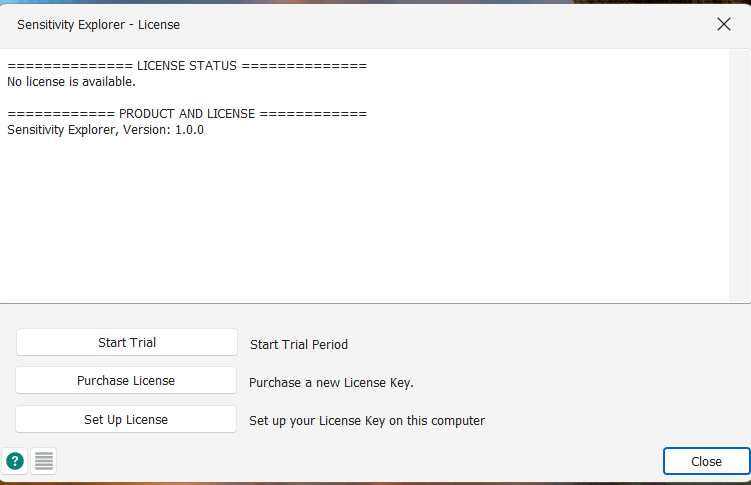
Clicking Start Trial will make it possible to use the software before purchasing a license.
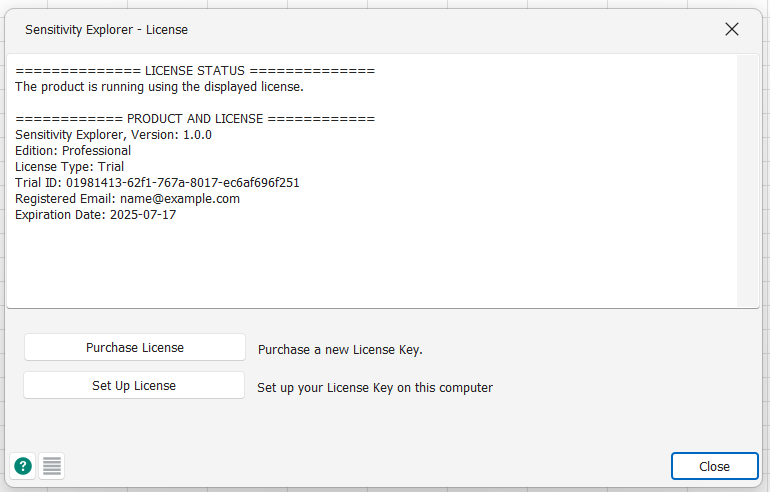
The expiration date of the trial can later be found by opening the License dialog from the Product menu:
Was this article helpful?
That’s Great!
Thank you for your feedback
Sorry! We couldn't be helpful
Thank you for your feedback
Feedback sent
We appreciate your effort and will try to fix the article