Problem
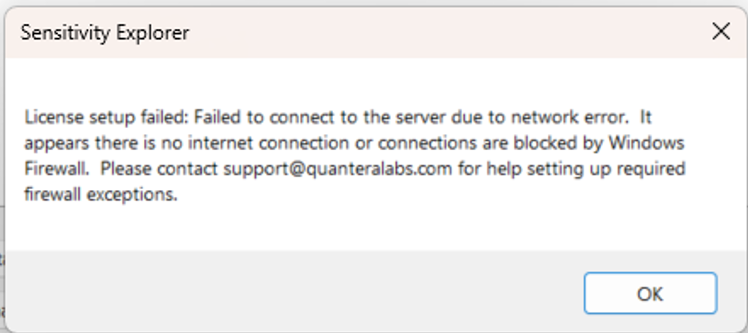
During an attempt to set up (activate) a license key or to deactivate it, this message may show
Solution
Please test if the computer has Internet connection. Restore Internet connection if needed and try again.
If the computer has Internet connection, the Windows Firewall may be blocking access to servers that perform the license activation. In this case, the solution to the problem consists in whitelisting the items listed here under the US Data Center heading.
Was this article helpful?
That’s Great!
Thank you for your feedback
Sorry! We couldn't be helpful
Thank you for your feedback
Feedback sent
We appreciate your effort and will try to fix the article